Brands › Arculus
Arculus signing devices
 Illustration
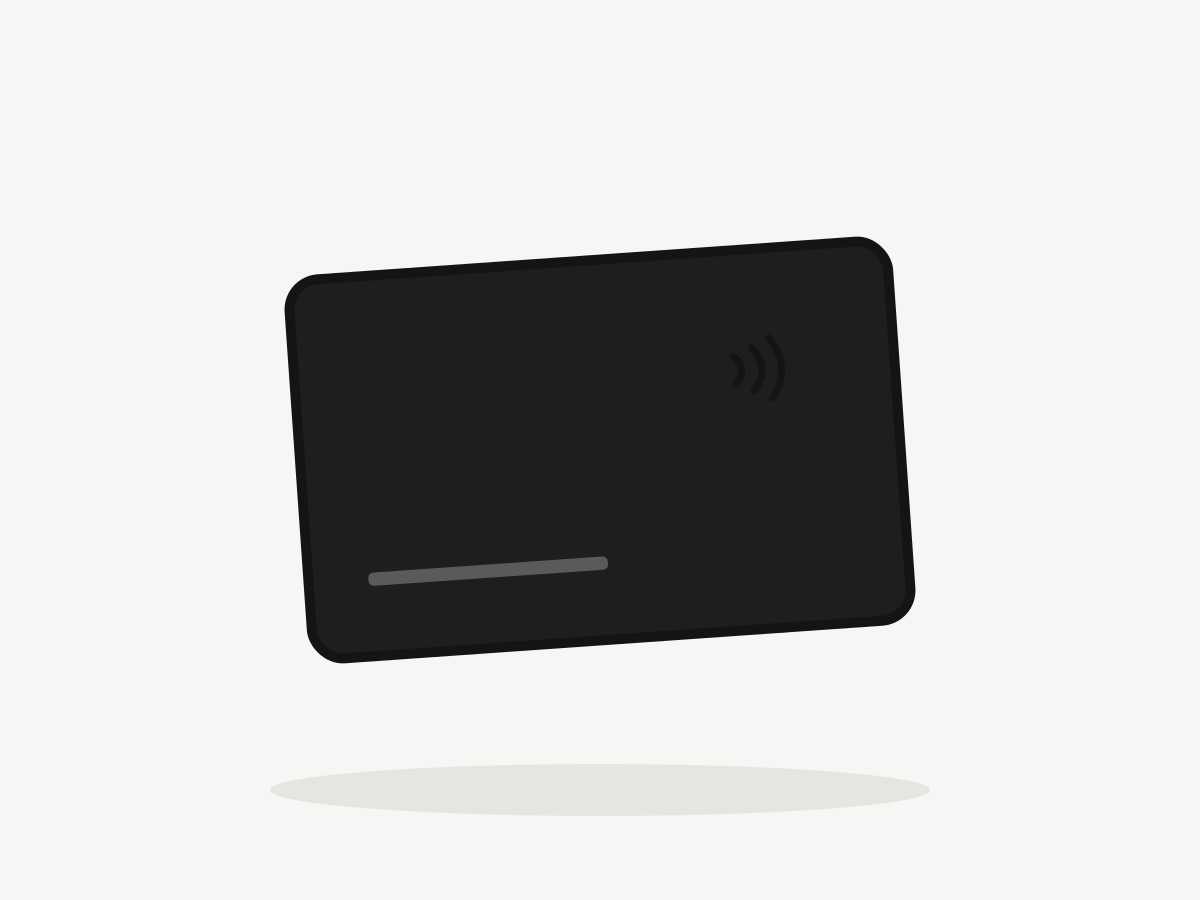
Arculus is a metal card with a secure element and no screen. You use it with the Arculus Wallet app on iPhone or Android.
A transaction takes three factors: your face or fingerprint to open the app, your 6-digit PIN to start it, and a tap of the card on the back of your phone to approve it. At setup you choose a 12- or 24-word recovery phrase.
Models
Maintenance not confirmed
Arculus Cold Storage Wallet
$99 metal NFC card, three-factor approval
- Price
- $99
- Connection
- NFC
- Screen
- None (metal card)
Use it with the watch-only app: Arculus Wallet app
Key specs
| Watch-only app | Arculus Wallet app |
|---|---|
| Screen | None (metal card) |
| Connection | NFC |
| iPhone | Yes (app on iOS) |
| Open source | Not stated |
| Backup | Recovery phrase (12 or 24 words) |
| Coins | Multi-coin |
| Price (at time of check) | $99 |
Good to know
- No screen: you check the details only in the app
- Arculus doesn't say whether it ships to Japan
Pages for each model
- Arculus Cold Storage WalletDetailsHow to useAfter-purchase checkup
Official store
Find the official store via the official X account
This site doesn't link to stores directly, so that even if this site were ever taken over, it couldn't send you to a fake shop. Open the official X account below and follow the link on its profile to the official website.
On X, check that the handle (the name starting with @) matches the one below exactly. Look-alike fake accounts exist.
Buy directly from the official store only, not from marketplace listings or second-hand.
Sources
- Arculus home page (metal card, three factors, coins) https://www.getarculus.com/ (accessed 2026-11-26)
- Arculus Cold Storage Wallet product page (price, how a transaction is approved) https://www.getarculus.com/products/arculus-cold-storage-wallet/ (accessed 2026-11-26)
- Arculus getting started (setup, recovery phrase) https://www.getarculus.com/getting-started/ (accessed 2026-11-26)
- Arculus coin support https://www.getarculus.com/coin-support/ (accessed 2026-11-26)