Brands › Cypherock › Cypherock X1 / X0
Cypherock X1 / X0: how split-card backup works
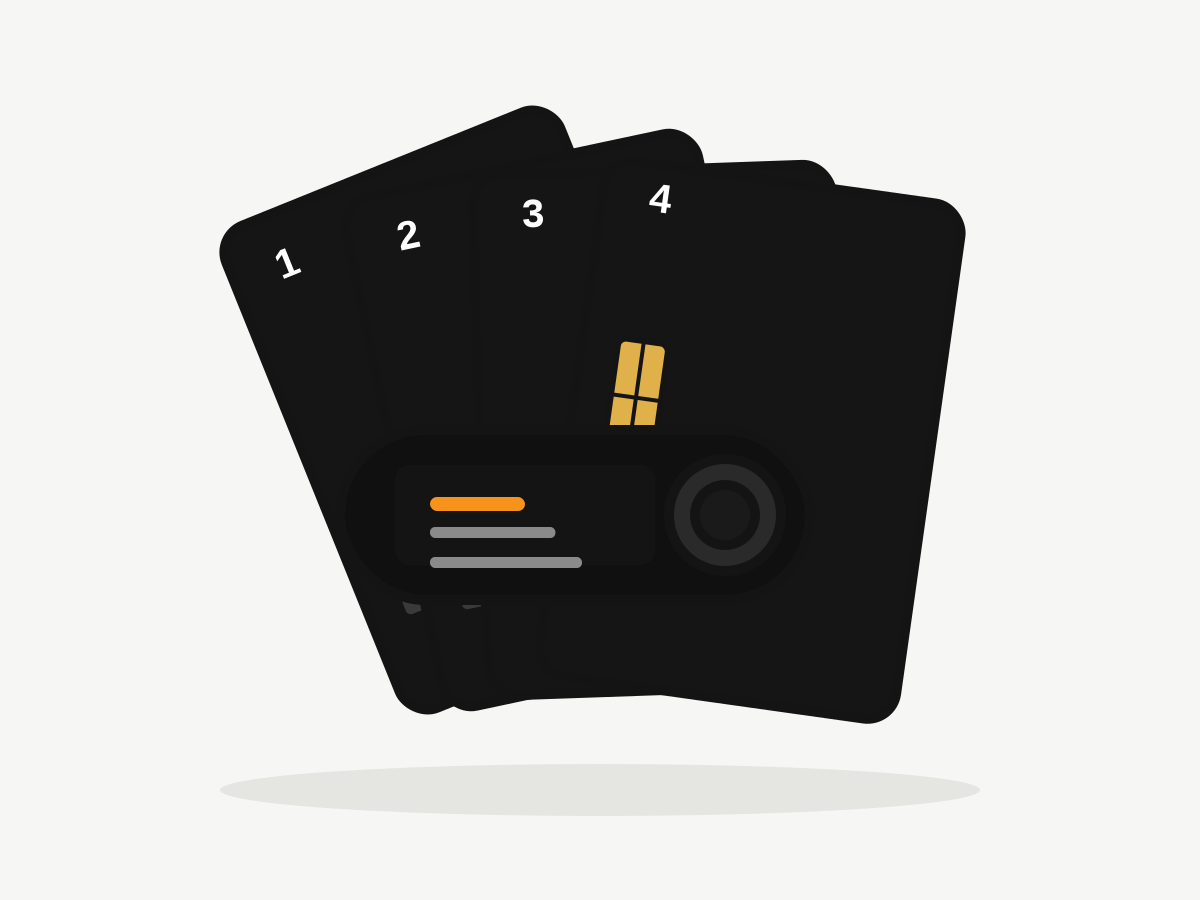
- Key split across 4 cards + device,
- no seed to write down
 Illustration
- Maintained on GitHub The official GitHub repository was updated in the 12 months up to November 26, 2026 (GitHub: Cypherock/x1_wallet_firmware)
At a glance
- Watch-only app
- cySync
- Price
- X0 $39; X1 $149checked 2026-11-13
- Connection
- X1: desktop app + NFC cards; X0: phone
- Screen
- X1: small OLED; X0: phone screen
- Backup
- Split across cards (no phrase required)
Security chips (rechecked 2026-11-14): the X1 Vault uses a Microchip ATECC608A, which Cypherock's docs, its open-source firmware and the Keylabs audit all confirm.
- The ST31H320 (CC EAL5+) on the store's spec sheet is a smartcard chip and matches the X1 Cards; the cards are rated EAL5+ in that spec sheet and in the Keylabs audit, but EAL6+ on Cypherock's other pages.
- The X1 Card applet is proprietary (only the Vault firmware is open source).
- The X0 has no screen of its own; you check transactions on your phone.
- Keep the cards in separate places; if you forget your PIN you cannot access the wallet.
What it is
Cypherock splits your private key into 5 parts with Shamir's Secret Sharing and stores them on 4 NFC cards plus either the X1 Vault (a small device with a screen) or, on the new X0, your phone's secure element. Any 2 parts unlock the wallet, so there is no single recovery phrase you must write down (you still can).
The X1 is set up with the cySync desktop app, the X0 with the cySync mobile app.
Who it suits
- Writing a recovery phrase on paper makes you uneasy
- You want the backup split across several places
- You hold several coins
Know before you buy
- You look after four cards plus the device (or phone, for the X0)
- The card firmware is closed
Key facts
| Type | X1: signing device (X1 Vault with a screen + 4 X1 Cards). X0: phone app + 4 cards; the phone's secure element holds the 5th part. |
|---|---|
| Supported coins | Multi-coin (BIP39 compliant); coins, tokens and NFTs are added in cySync. |
| Connectivity | X1: the Vault connects to the cySync desktop app (Windows, Mac, Linux); cards are tapped on the Vault (encrypted NFC). X0: the cySync mobile app; cards are tapped on the phone. |
| Open source | Partly: the X1 Vault firmware is open source; the X1 Card applet is proprietary (Cypherock docs). |
| Secure Element | X1 Vault: Microchip ATECC608A next to an STM32L4 microcontroller (docs, firmware source, Keylabs audit). X1 Cards: JavaCard smartcards; the store spec sheet lists an ST31H320 secure element, CC EAL5+ (the Keylabs audit also says EAL5+; other Cypherock pages say EAL6+). |
| Screen and input | X1 Vault: 0.96" OLED and joystick. X0: no screen of its own (uses the phone). |
| Backup | Key split into 5 parts, any 2 restore (Shamir). No recovery phrase backup required; a BIP39 seed can be imported. PIN: 4–8 characters, alphanumeric; repeated wrong guesses lock the cards for increasingly long periods. |
| Price at time of check | X1 USD 149 (regular 199), X0 USD 39 (regular 49), X0: the official home page on 2026-11-13 said "shipping starts 12 Nov 2026" (may change). |
Official store
Find the official store via the official X account
This site doesn't link to stores directly, so that even if this site were ever taken over, it couldn't send you to a fake shop. Open the official X account below and follow the link on its profile to the official website.
@CypherockWalletOfficialCypherock
Founders on X@rohanagarwal94Rohan Agarwal · Founder and CEO@vipulsaini594Vipul Saini · Founder and CTO
On X, check that the handle (the name starting with @) matches the one below exactly. Look-alike fake accounts exist.
Buy directly from the official store only, not from marketplace listings or second-hand.
Sources
- Cypherock home page (X0 and X1 prices, how it works, FAQ) https://www.cypherock.com/ (accessed 2026-11-13)
- Cypherock Get Started (X0 mobile app / X1 desktop app) https://www.cypherock.com/get-started (accessed 2026-11-13)
- Cypherock docs: Generate a new wallet with Cypherock X1 https://docs.cypherock.com/getting-started/generate-a-new-wallet-with-cypherock-x1 (accessed 2026-11-13)
- Cypherock docs: PIN protection on Cypherock X1 https://docs.cypherock.com/design-decisions/pin-protection-on-cypherock-x1 (accessed 2026-11-13)
- Cypherock docs: How do I know my Cypherock X1 is genuine? (X1 Vault: ATECC608A) https://docs.cypherock.com/getting-started/how-do-i-know-my-cypherock-x1-is-genuine (accessed 2026-11-13)
- Cypherock docs: X1 hardware architecture (Vault: STM32L4 + ATECC608A; cards: JavaCard) https://docs.cypherock.com/design-decisions/cypherock-x1-hardware-architecture (accessed 2026-11-13)
- Cypherock store: X1 Vault (spec sheet: secure element ST31H320, CC EAL5+) https://www.cypherock.com/store/x1-vault (accessed 2026-11-13)
- Keylabs security audit of the X1, hosted by Cypherock (Vault: ATECC608A; X1 Cards: EAL5+) https://www.cypherock.com/keylabs.pdf (accessed 2026-11-13)
- X1 Vault firmware source on GitHub (includes the ATECC library) https://github.com/Cypherock/x1_wallet_firmware (accessed 2026-11-13)
- Cypherock docs: Open source with secure elements https://docs.cypherock.com/cypherock-x1-features/open-source-with-secure-elements (accessed 2026-11-13)
- Cypherock docs: How to recover your crypto assets in the case of loss or theft https://docs.cypherock.com/getting-started/how-to-recover-your-crypto-assets-in-the-case-of-loss-or-theft (accessed 2026-11-13)
- GitHub https://github.com/Cypherock/x1_wallet_firmware (accessed 2026-11-26)