Brands › GridPlus › GridPlus Lattice1
GridPlus Lattice1: who it suits
- Desktop device,
- 5" touchscreen,
- SafeCards,
- MetaMask
 Illustration
- Maintenance not confirmed No update in the 12 months up to November 26, 2026 found on a GitHub repository linked from the official site (including when the code isn't public)
At a glance
- Watch-only app
- Lattice Manager, MetaMask, Rabby, Frame
- Price
- $397checked 2026-11-26
- Connection
- Wi-Fi (2.4 GHz) or Ethernet
- Screen
- 5" touchscreen
- Backup
- Recovery phrase + SafeCard
If you arm its tamper mesh and it detects tampering, the wallet and all secure data are erased and the device becomes permanently unusable.
- The power supply has a US type-A plug (an adaptor is needed outside the US, Canada and Japan).
- Three wrong PINs on a SafeCard erase that card.
- SafeCards bought before 2023 can't store the recovery phrase.
What it is
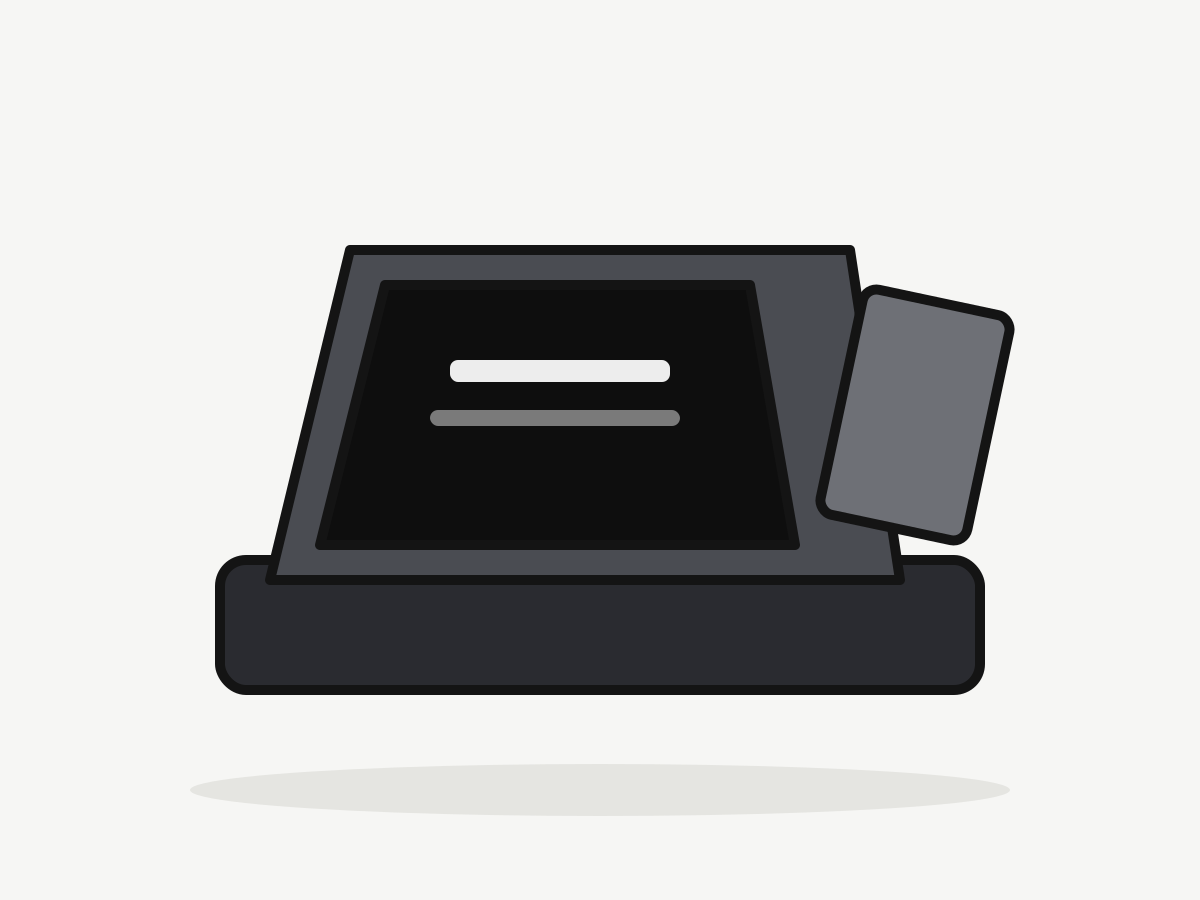
GridPlus Lattice1 is a desktop signing device with a 5-inch touchscreen. It stays plugged in and connects over Wi-Fi (2.4 GHz) or Ethernet.
It separates an internet-connected part from a secure part that holds the keys in a secure enclave, and it accepts SafeCards (cards with a second secure chip) for backup. You connect it to the Lattice Manager and to wallets such as MetaMask, Rabby and Frame; transactions are decoded and shown on its screen before you sign.
Who it suits
- You use Ethereum apps a lot and want to sign on a large desk-top screen
- You want backups on removable SafeCards
Know before you buy
- It stays plugged in and connects to the internet by Wi-Fi or Ethernet
- Only the Lattice Manager supports Bitcoin
Key facts
| Type | Signing device with a screen (desktop, mains powered). |
|---|---|
| Supported coins | Chains supported by MetaMask (Ethereum and EVM chains), plus Bitcoin through the Lattice Manager. |
| Connectivity | Wi-Fi (2.4 GHz only) or Ethernet. Lattice Manager and third-party wallets: MetaMask, Rabby, NuFi, Frame, Ambire. |
| Open source | SDK (MIT) and apps on GitHub. Firmware: not stated. |
| Secure Element | Secure enclave in a separate secure compute part; SafeCards add a second secure chip; anti-tamper mesh. |
| Screen and input | 5-inch touchscreen (480×800); 4–6 digit PIN. |
| Backup | 24 recovery words at creation (12, 18 or 24 to import) and a SafeCard (one included). |
| Price at time of check | $397 (official product page, checked 2026-11-26; may change). Free standard worldwide shipping; Japan is in the store's country list. |
Official store
Find the official store via the official X account
This site doesn't link to stores directly, so that even if this site were ever taken over, it couldn't send you to a fake shop. Open the official X account below and follow the link on its profile to the official website.
Founders on X@alexmillertechAlex Miller · Lead developer of the SDK and Lattice Manager
On X, check that the handle (the name starting with @) matches the one below exactly. Look-alike fake accounts exist.
Buy directly from the official store only, not from marketplace listings or second-hand.
Sources
- Lattice1 product page (price, box contents, specs) https://gridplus.io/products/grid-lattice1 (accessed 2026-11-26)
- GridPlus docs: Lattice1 setup https://docs.gridplus.io/setup/lattice1 (accessed 2026-11-26)
- GridPlus docs: Lattice1 introduction https://docs.gridplus.io/lattice1/lattice1-introduction (accessed 2026-11-26)
- GridPlus docs: security features https://docs.gridplus.io/lattice1/security-features (accessed 2026-11-26)
- GridPlus docs: SafeCards https://docs.gridplus.io/safecards/introduction-to-safecards (accessed 2026-11-26)
- GridPlus docs: update the firmware https://docs.gridplus.io/lattice1/lattice1-guides/how-to-upgrade-the-firmware (accessed 2026-11-26)
- GridPlus shipping policy https://gridplus.io/policies/shipping-policy (accessed 2026-11-26)
- GridPlus on GitHub (SDK, Lattice Manager) https://github.com/GridPlus (accessed 2026-11-26)