Brands › Specter › Specter DIY
Specter DIY: a build-it-yourself Bitcoin wallet
- DIY Bitcoin wallet with a big touchscreen,
- QR air-gapped
 Illustration
- Maintained on GitHub The official GitHub repository was updated in the 12 months up to November 26, 2026 (GitHub: cryptoadvance/specter-diy)
At a glance
- Watch-only app
- Specter Desktop, etc.
- Price
- You buy the partschecked 2026-11-13
- Connection
- QR (air-gapped); SD / USB for firmware
- Screen
- Large touchscreen
- Backup
- Recovery phrase
DIY: you connect the scanner to the board yourself and install the initial firmware and bootloader manually (verify the PGP signatures and use a secure computer).
- Without the Specter Shield it is stateless by default: the seed is deleted each time it is powered off and must be re-imported.
What the DIY device is
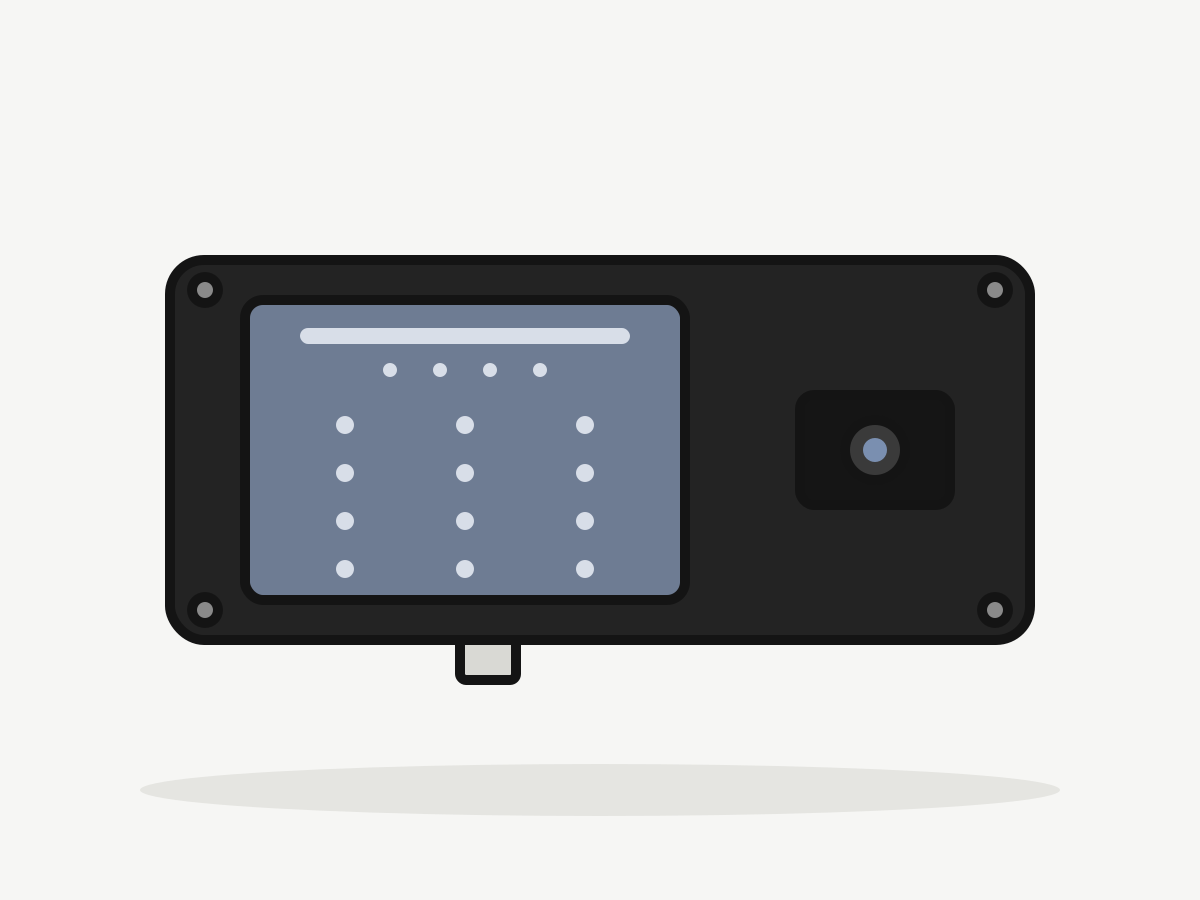
Specter DIY is an open-source Bitcoin signing device you build from off-the-shelf parts: an STM32 Discovery board with a smartphone-sized touchscreen and a Waveshare QR code scanner. It signs through QR codes, so it never has to connect to your computer.
By default it runs in Temporary Seed Mode (the seed is deleted at power-off); the optional Specter Shield adds smartcard-based secure storage.
Who it suits
- You want to build a signer with a large touchscreen from parts
- You want QR-only bitcoin signing
Know before you buy
- You do the wiring and first firmware install yourself
- By default the seed is erased each time you power off
Key facts
| Type | DIY device: a signing device you build from off-the-shelf parts. |
|---|---|
| Supported coins | Bitcoin (Specter also lists Liquid support). |
| Connectivity | QR codes by default (air-gapped); SD card for firmware upgrades; mini-USB for the first firmware install. |
| Open source | Yes (MIT). |
| Secure Element | Not by default. The Specter Shield extension adds smartcard storage for the encrypted seed, limited to 10 PIN attempts. |
| Screen and input | Smartphone-sized touchscreen on the STM32 Discovery board. |
| Backup | BIP39 seed words; SeedQR import. Default Temporary Seed Mode forgets the seed at power-off; it can optionally be stored in the device's flash memory, or encrypted on a smartcard with the Shield. |
| Cost | No official store price; you buy the parts (vendors for the Shield are listed by Specter). |
Official download (no official store)
Find the official download via the official X account
This site doesn't link to stores directly, so that even if this site were ever taken over, it couldn't send you to a fake shop. Open the official X account below and follow the link on its profile to the official website.
Founders on X@StepanSnigirevStepan Snigirev · Creator of Specter DIY
On X, check that the handle (the name starting with @) matches the one below exactly. Look-alike fake accounts exist.
This is an open-source project with no official shop: download the software only from the official page linked from the project's official X profile and verify it as the project's docs describe. Hardware parts are bought separately.
Sources
- Specter hardware page (Specter DIY, Temporary Seed Mode, Specter Shield) https://specter.solutions/hardware/ (accessed 2026-11-13)
- Specter-DIY README (project, storage modes, disclaimer) https://github.com/cryptoadvance/specter-diy (accessed 2026-11-13)
- Specter-DIY assembly guide https://github.com/cryptoadvance/specter-diy/blob/master/docs/assembly.md (accessed 2026-11-13)
- Specter-DIY quickstart (flashing and upgrading firmware) https://github.com/cryptoadvance/specter-diy/blob/master/docs/quickstart.md (accessed 2026-11-13)
- Specter-DIY releases https://github.com/cryptoadvance/specter-diy/releases (accessed 2026-11-13)
- GitHub https://github.com/cryptoadvance/specter-diy (accessed 2026-11-26)